
Getting hacked on Instagram is terrifying , you suddenly lose access to your account, your content becomes vulnerable, and in many cases business pages lose revenue every minute. The feeling of panic is real, but recovery is absolutely possible. In this guide, you’ll learn exactly how to regain control step by step, even if the hacker changed your email, phone number, or password.
How to Know Your Instagram is Hacked
A hacked account doesn’t always look dramatic in the beginning. Sometimes the hacker enters silently, changes login credentials slowly, and waits before doing damage. If you’re unable to log in despite using the correct password, notice unfamiliar login activity, or see content being posted without your permission, there’s a high chance your account is compromised. Followers may also report receiving strange DMs or crypto links from your page, which is often the clearest warning sign of takeover.
If you recognize these symptoms early, recovering the account becomes much easier. The critical point is acting fast , hours matter more than days.
Step 1 : Reset Your Password If You Still Have Access
The quickest route to recovery is through the standard password reset, especially when your phone number or email hasn’t been changed yet. From the login page, choose “Forgot Password” and request a reset link through your registered contact information. If you receive the email or SMS, set a new password immediately and log in before the hacker notices the change.
However, if no reset link arrives or if the reset option sends to an unfamiliar email, it means the intruder has already changed your details. In this case, you need to move to the next method without delay.
Step 2 : Restore the Account Through Instagram’s Security Email
Before Instagram updates an account’s email, it sends a warning message titled Your email address has been changed. This email is often a lifesaver because it includes a reverse button that lets you undo the hacker’s action instantly. If you still have access to the original mailbox and see this alert, click Revert this change and secure your account before the hacker locks you out completely.
Many users don’t check email immediately and miss this window, so time is critical. The sooner you act, the faster the restoration.
Step 3: When you’re fully locked out, identity verification is the only reliable recovery method
If the hacker has already changed your password, phone number, and email,Instagram must confirm you are the real owner before restoring access. In this stage, you’ll need to submit proof of identity directly through the recovery form.
- Go to Login Page → Need more help?
- Select My account was hacked
- Submit original email/phone if still accessible
- Fill out Instagram’s recovery form completely and accurately
- Respond promptly to support emails to speed up review process
- Complete the video selfie verification if Instagram requests it
- Wait for access to be returned once ownership is verified
Step 4 : Before Logging Back In, First Secure Your Email and Device
Recovering access is not the final goal , keeping it secure is. Many hacks originate not from Instagram itself but from the user’s email, browser, or installed apps. If your device is infected with malware or your email password is weak, the hacker can re-enter anytime even after recovery. That’s why you must change your email password first, update its security settings, and enable two-factor authentication at the mailbox level.
Running a malware scan is also necessary, especially if you downloaded unknown files or clicked suspicious login pages. Avoid reusing old passwords and never store them in unencrypted notes. The goal is to remove the entry doors the hacker originally used.
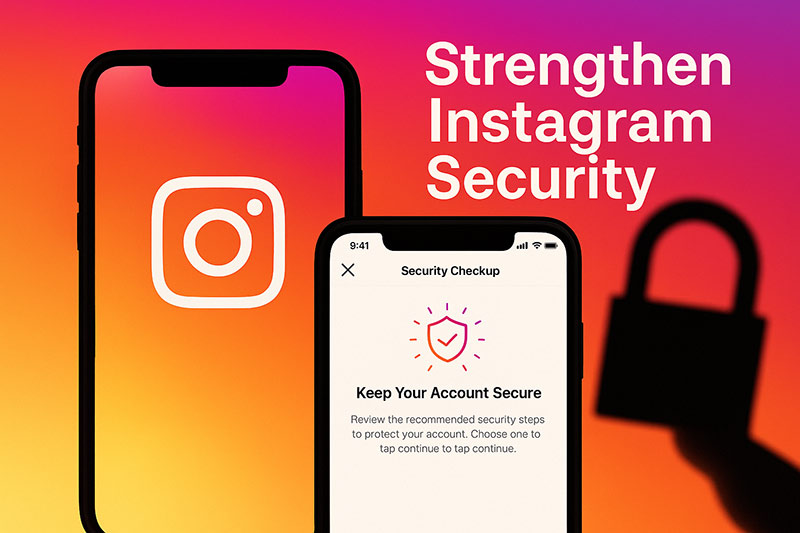
Step 5 : Strengthen Instagram security after recovery so the hack never happens again.
Once you regain access, your top priority is preventing a second attack. Most accounts get hacked twice because users skip security reinforcement after recovery , so this step matters as much as the recovery itself.
- Turn on Two-Factor Authentication (2FA) , authenticator app recommended over SMS
- Create a long, unique password (12–16 characters minimum)
- Review Login Activity and remove every unfamiliar device
- Disconnect suspicious third-party apps or automation tools
- Avoid entering login information on unofficial pages or shortened links
- Stay alert for phishing attempts such as fake verification or copyright warnings
Avoid Phishing , The Main Cause of Hacks
Most Instagram hacks do not happen by brute force. Instead, attackers trick users into giving away their login details through fake links, sponsorship offers, or “verification request” DMs. These messages usually look official and often include phrases like Apply for a blue check or You violated copyright rules, which pressures users to click without thinking.
The best security habit is simple: never enter your password unless you are on Instagram or Meta’s official domain. If you are unsure, close the page and type the URL manually. Awareness is the best firewall.
What to Expect After Recovery
Once the account returns to your hands, you may notice that posts, highlights, or private messages changed. You can restore some content manually or request account history logs if necessary. It’s wise to notify your audience that your account was compromised so they don’t interact with previous suspicious messages. Transparency protects your reputation and prevents further spread of malicious links.
Business pages should review their connected apps, Facebook Business integrations, and creator tools. Removing old permissions and resetting API access ensures that third-party systems can’t open the account again.
And finally :
Recovering a hacked Instagram account is stressful, but absolutely possible with the right approach. First attempt a password reset, then use Instagram’s security email if available. If locked out entirely, submit identity verification through support. After regaining control, secure your email, device, and Instagram itself through strong passwords, two-factor authentication, and awareness of phishing risks.
Your account represents your identity, creativity and sometimes your income. Treat its security like digital property , protect it before it’s needed.
Save this guide , you never expect hacking until it happens.







Leave a Reply