

Quick answer: Yes—but only for a limited time. Instagram lets you see the accounts that viewed a Story for up to 48 hours after that original Story was posted. Adding the Story to a Highlight does not restart the 48-hour window. After it expires, the Highlight can remain on your profile, but the list of viewer names is no longer available.
That timing rule explains why a new Highlight may show names while an older one does not. The limit is based on the age of each Story inside the Highlight, not on when you created or edited the Highlight.
How to see who viewed your Instagram Highlight
If the original Story is still within the 48-hour viewer window, check it in the Instagram mobile app:
• Open Instagram and tap your profile picture in the bottom-right corner.
• Open the Highlight you want to check.
• Move to the specific photo or video inside that Highlight.
• Swipe up, or tap Activity / Seen by in the lower-left corner if that label appears.
• Review the accounts shown in the viewer list.
Instagram changes labels and layouts between app versions, so you may see Activity, Seen by, a small group of profile pictures, or only a view number. The important part is the 48-hour limit.
Why can’t I see the viewer list?
The original Story is more than 48 hours old
This is the most common reason. A Highlight does not preserve viewer names indefinitely. Once 48 hours have passed since the Story was originally posted, Instagram removes access to the named viewer list.
You are viewing someone else’s Highlight
Only the account that posted the Story can check its viewer information. You cannot open another person’s Highlight and see who else watched it.
The app has not refreshed correctly
Close and reopen Instagram, switch to a stable connection, and update the app from the App Store or Google Play. If the Story is still within 48 hours, a temporary app issue may be hiding the Activity option.
The Highlight contains several Stories
Each frame has its own posting time and viewer data. Check the individual photo or video rather than assuming one list covers the entire Highlight.
Can You See Who Viewed Your Instagram Highlights?
Many people ask, Does Instagram show who viewed your Highlights? The truth is, Instagram does give you a way to see who has watched your Highlights, but only for a limited period. Instagram Highlights are saved Stories that stay on your profile indefinitely, unlike regular Stories that vanish after 24 hours.
When you open a Highlight, you can swipe up to reveal an Instagram Highlights viewer list that shows the accounts that saw your content. However, this information isn’t permanent. Instagram intentionally restricts how long you can access these viewer details, balancing transparency with Instagram privacy features designed to protect users’ personal data.
Instagram highlights views are thus visible but only within a certain timeframe to maintain privacy.
Consider that if you want to save your favourite Highlights or Stories before they disappear, you can use trusted tools like our dlinsta Instagram Highlights Downloader to back them up easily.
Does adding a Story to Highlights reset the 48-hour timer?
No. The timer begins when the original Story is posted. For example, if you add a 30-hour-old Story to a Highlight, you may have roughly 18 hours left to view its named audience. If you add a Story that is already several days old from your archive, its viewer names will not return.
Remember: The Highlight may stay visible until you remove it, but viewer identities do not stay available for the lifetime of the Highlight.
Can you see Highlight viewers after 48 hours?
No. Instagram does not provide a way to recover the list of accounts after the 48-hour window closes. Do not trust apps or websites that claim they can reveal old Highlight viewers; they cannot legitimately restore information that Instagram no longer shows to the account owner.
What professional account Insights can still show
A professional account may retain aggregate Story insights even after the named viewer list disappears. Depending on the account and content, these metrics can include views, accounts reached, replies, link taps, or navigation actions. Instagram says Story insights can remain available for up to two years.
Names and metrics are different: Insights can help you measure performance, but they do not reveal the identity of every viewer after 48 hours. A total view number may also include replays, so it is not the same as a list of unique people.
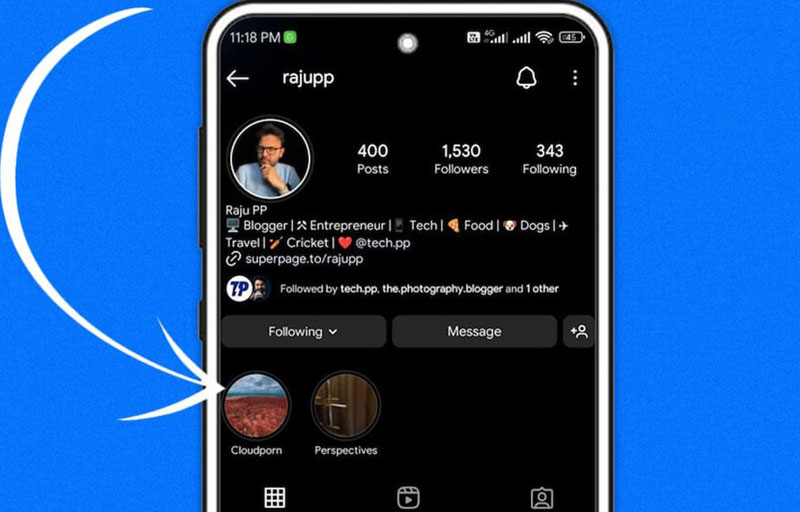
Will someone know if you view their Instagram Highlight?
Possibly. If you watch a Highlight while its original Story is still within the 48-hour window, your account can appear in the owner’s viewer list. After that window, the owner can no longer open the named list through Instagram.
This does not make third-party “anonymous Highlight viewer” sites safe. Such services may fail on private accounts, collect data, redirect you through ads, or ask for credentials. Never enter your Instagram password into an unofficial viewer tool.
Can someone tell that you watched a Highlight more than once?
Instagram does not show the owner which specific account replayed a Highlight or how many times that person watched it. The total number of views can include replays, but the viewer list does not identify the rewatching account.
Who can see your Instagram Highlights?
| Account or audience setting | Who can normally view the Highlight |
| Public account | People who can access the public profile, unless the Story is hidden from them or shared with a limited audience. |
| Private account | Approved followers, subject to Story privacy controls. |
| Hidden Story audience | Accounts selected under Hide story and live from should not be able to view that Story or its Highlight version. |
| Close Friends Story | Only people included in the Close Friends audience can view that Story when it is saved as a Highlight. |
| Blocked account | A blocked account cannot access the profile or its Highlights from that account. |
If you are unsure how regular Stories differ from saved Highlights, start with our guide to what Instagram Stories are and how they work. It explains the 24-hour Story lifespan and why Highlights remain on a profile.
How to control who sees your Highlights
Make your account private
Go to your profile, open the menu, select Settings and activity, open Account privacy, and turn on Private account. Only approved followers can view content restricted by your private profile.
Hide Stories and Highlights from specific accounts
Open Settings and activity, find Story, live and location under Who can see your content, and choose Hide story and live from. Select the accounts you want to exclude. Menu wording may differ slightly by app version.
Use Close Friends before posting
Choose Close Friends when sharing the Story. Saving that Story as a Highlight keeps its limited audience; adding it to Highlights does not turn it into a public Story.
Remove an item or delete the entire Highlight
Open the Highlight, go to the photo or video, tap More, and choose Remove from Highlight. To delete the whole collection, press and hold the Highlight on your profile and choose Delete Highlight. Removing a Highlight does not automatically remove the original archived Story.
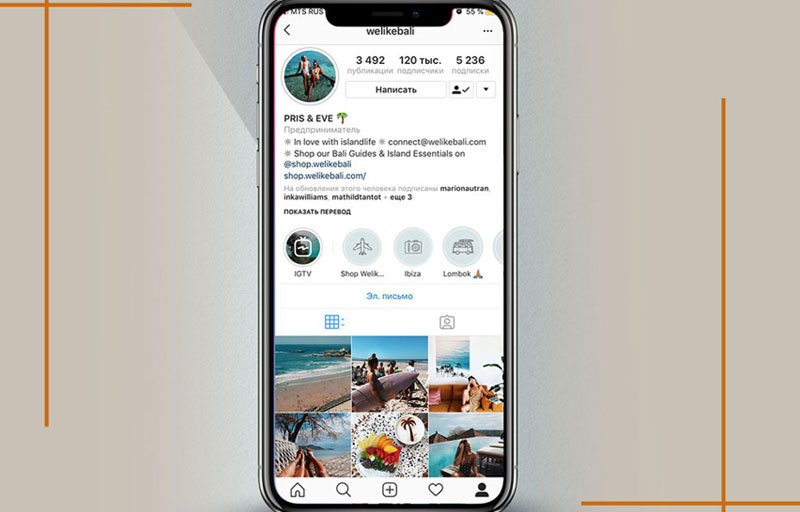
Do Instagram Highlights show screenshot notifications?
Instagram does not currently notify someone when you take a screenshot of a normal Story or Highlight. This is different from certain disappearing photos or videos sent in direct messages, where screenshot indicators may appear.
For the full distinction between Stories, posts, profiles, Reels, and disappearing DMs, see our guide to Instagram screenshot notifications.
Instagram Stories and Highlights: viewer-data comparison
| Feature | Regular Story | Story saved in a Highlight |
| How long content stays visible | Usually 24 hours unless extended by an available feature. | Until the account owner removes it. |
| Named viewer list | Available to the owner for up to 48 hours after posting. | Available only while the original Story remains inside that same 48-hour window. |
| Does saving reset the timer? | Not applicable. | No. |
| Old viewer names recoverable? | No. | No. |
| Professional insights | Aggregate metrics may remain available. | Aggregate metrics are separate from viewer identities. |
Frequently asked questions
Does Instagram show who viewed your Highlights?
Yes, if the original Story was posted less than 48 hours ago. After that, the Highlight can remain visible, but Instagram no longer shows the named viewer list.
Can I see who viewed an old Instagram Highlight?
No. If the Story inside the Highlight is older than 48 hours, you cannot retrieve the old viewer names through Instagram.
Why does my Highlight show views but no names?
The named-viewer window may have expired, or you may be seeing an aggregate metric rather than the individual viewer list.
Can people see that I viewed their Highlight?
Your account can appear if you view it within 48 hours of the original Story being posted. Once that period ends, the owner cannot access the named viewer list.
Does Instagram rank Highlight viewers in order?
Do not treat viewer order as proof that someone repeatedly checks your profile. Instagram does not publish a simple rule that lets you identify stalkers or profile visitors from the order of names.
Can third-party apps show old Highlight viewers?
No legitimate app can restore a viewer list Instagram no longer makes available. Avoid services that request your password, verification code, payment, or profile access.
Can I see how many times one person viewed my Highlight?
No. Instagram may count replays in total views, but it does not tell you which individual account replayed the content or how many times that person watched it.
Do private accounts show Highlight viewers?
Yes. The account owner can still see eligible viewer names during the 48-hour window. A private profile mainly limits the audience to approved followers.
Can someone view my Highlight without following me?
If your account is public, a non-follower may be able to view public Highlights. If your account is private, only approved followers can normally access them.
Final answer
Instagram shows who viewed a Highlight only while each original Story is within 48 hours of being posted. Saving a Story to Highlights keeps the content on your profile but does not preserve viewer names or restart the timer. After 48 hours, professional insights may still provide aggregate performance data, but no official feature reveals the old list of viewers.







Leave a Reply