Articles
-
Read more: Can You See Who Viewed YourInstagram Highlights? (2026)
Quick answer: Yes—but only for a limited time. Instagram lets you see the accounts that viewed a Story for up to 48 hours after that original Story was posted. Adding the Story to a Highlight does not restart the 48-hour window. After it expires, the Highlight can remain on your profile, but the list of…

-
Read more: How to Turn Off Vanish Mode on Instagram? (2026 Tutorial)
: Open the Instagram chat, tap the person’s name at the top, open Privacy & safety, choose Disappearing messages, and set it to Off. If your app still uses the older Vanish Mode interface, open that chat and swipe up from the bottom to turn the mode off. Instagram changes this setting one chat at…

-
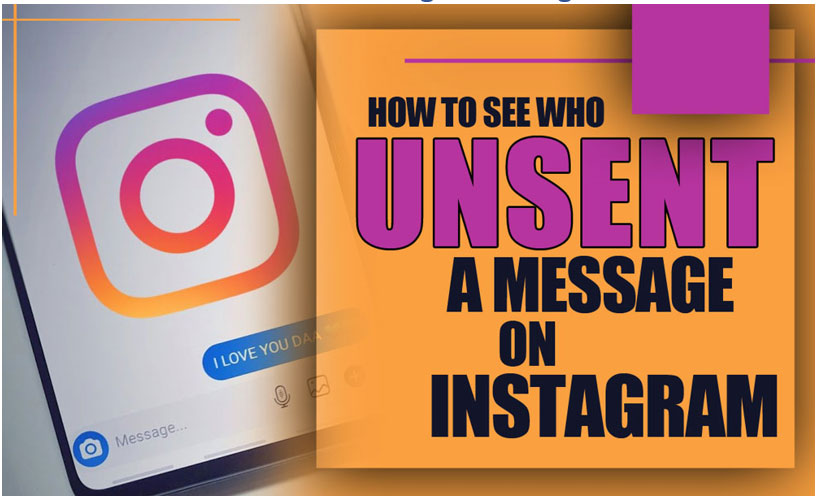
Read more: How to See Who Unsent a Message on Instagram
Instagram does not provide a built-in list or recovery screen for messages another person has unsent. After a message is unsent, it is removed from the chat for everyone. You may still find part of the text in a phone notification only if that notification arrived before the sender removed the message. If no notification…
-
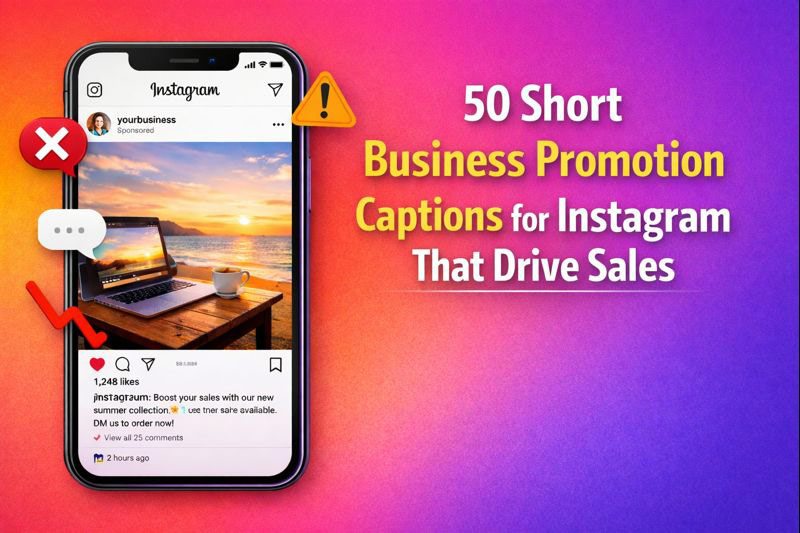
Read more: 50 Business Promotion Captions for Instagram (2026)
Need a business promotion caption for Instagram that sounds natural and tells people what to do next? Start with one clear benefit, add a specific detail, and finish with one relevant call to action. The 50 ready-to-use examples below cover product launches, limited offers, trust-building posts, soft promotion, and DM-based sales.Replace the words in brackets…
-
Read more: Instagram Stories vs Feed: Which One Should You Use for Better Engagement in 2026?
If you’re trying to grow on Instagram, you’ve probably asked yourself this question more than once:Should I focus on Stories or Feed posts? The short answer? You need both.But the real value comes from understanding how each one works,and when to use them strategically. In this guide, you’ll learn the key differences between Instagram Stories…
-
Read more: Using Emojis in Instagram Captions: Best Practices & Mistakes to Avoid
There’s a strange tension in Instagram captions. Write without emojis, and your post can feel cold , almost corporate.Add too many, and suddenly it looks chaotic, immature, or desperate for attention. Most creators sense this. They just don’t know where the line is. So the real question isn’t “Should I use emojis?”It’s: How do I…
-
Read more: Hashtag Strategy After the 2026 Update: Less Is More
Instagram didn’t “kill” hashtags in 2026 , but it definitely killed the way most people were using them. If you’re still pasting 20–30 hashtags at the bottom of every post, hoping for reach, you’re working with a 2018 strategy in a 2026 algorithm. The platform has shifted from hashtag-based categorization to AI-driven contextual understanding, and…
-
Read more: How to Create Instagram Reels with AI (Without Getting Shadowbanned)
Using AI to create Instagram Reels feels like a shortcut to growth. You can produce videos faster, test more ideas, and stay consistent without burning out. But for many creators, that excitement quickly turns into anxiety. Views drop. Reach feels capped. Reels stop appearing on Explore. And the same question keeps coming up: Did AI…
-
Read more: How the Instagram Reels Algorithm Works and How to Beat It
You post a Reel.You refresh the app a few times.The views stop at 327. Later that day, you see another creator , maybe with fewer followers , hitting tens of thousands of views with a simple video. That moment creates a very human reaction: confusion, frustration, and the feeling that the algorithm is unfair. The…
-
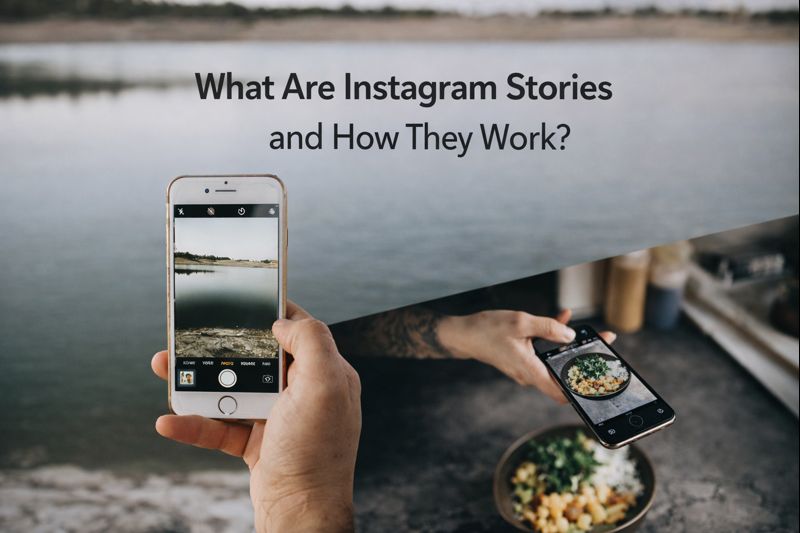
Read more: What Are Instagram Stories and How Do They Work?
Open Instagram and notice where your attention goes first.For most people, it’s not the feed.It’s the Stories at the top of the screen. Instagram Stories have become one of the most used parts of the platform. People watch them every day, reply to them, and make decisions based on them , from following an account…