

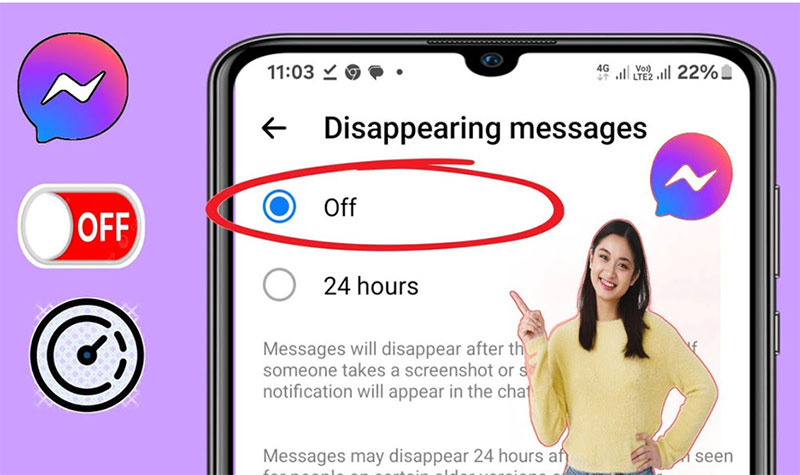
: Open the Instagram chat, tap the person’s name at the top, open Privacy & safety, choose Disappearing messages, and set it to Off. If your app still uses the older Vanish Mode interface, open that chat and swipe up from the bottom to turn the mode off. Instagram changes this setting one chat at a time, not for every conversation at once.
Instagram has changed the wording and layout of temporary chat features over time. Some accounts still see “Vanish Mode,” while others see “Disappearing messages” with choices such as Off, Once they’re seen, 24 hours, or 7 days. The correct method depends on the version and rollout available to your account.
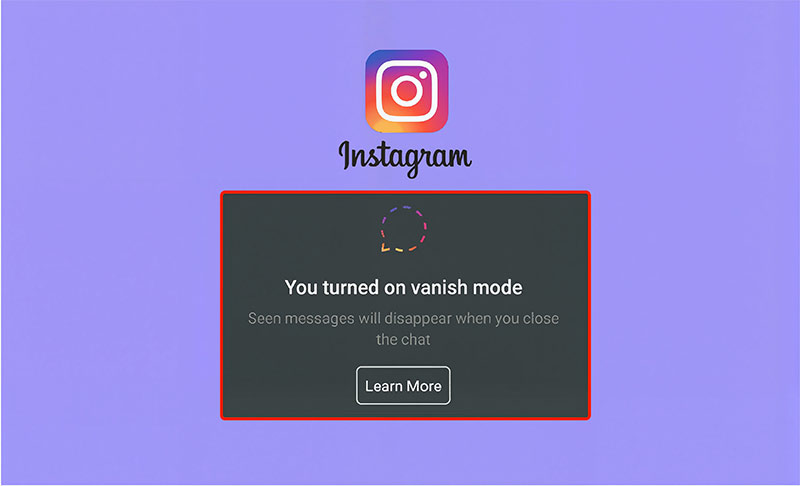
Method 1: Turn off Disappearing messages in chat settings
Use this method when your Instagram chat settings include a Disappearing messages option. The menu names may vary slightly between iPhone and Android.
Step 1: Open the affected conversation
Open Instagram, go to Messages, and select the one-to-one chat where messages are disappearing.
Step 2: Open the chat settings
Tap the person’s name or the chat header at the top of the conversation.
Step 3: Find the privacy controls
Open Privacy & safety, then look for Disappearing messages. In some versions, the option may appear directly on the chat details screen.
Step 4: Select Off
Choose Off to return that conversation to normal messaging. New messages should remain in the chat unless someone unsends or deletes them separately.
Important: Turning the setting off does not restore messages that already disappeared. It changes how new messages in that conversation behave.
Method 2: Use the Vanish Mode swipe-up gesture
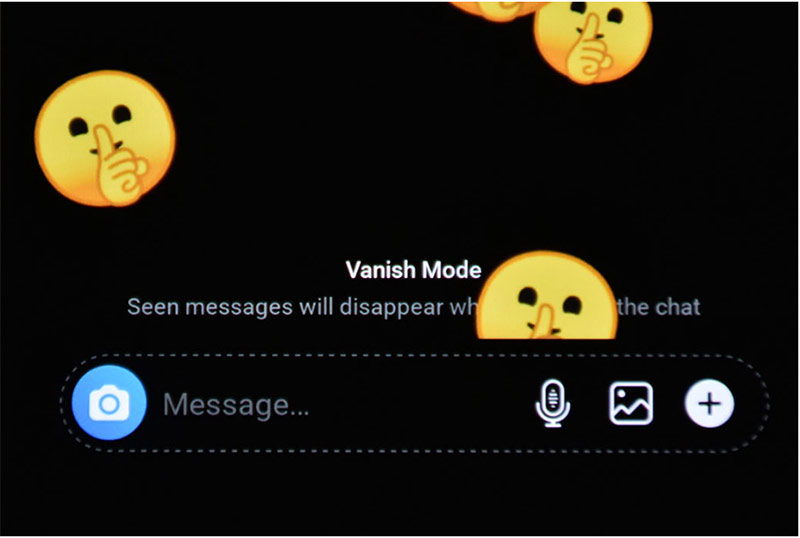
If your chat still shows the older Vanish Mode screen, use the gesture-based method:
• Open Instagram and go to Messages.
• Open the conversation where Vanish Mode is active.
• Swipe up from the bottom of the chat and release when Instagram shows the turn-off prompt.
• Wait for the chat to return to its regular appearance.
Some versions also display a Turn off Vanish Mode button near the top of the chat. If you see it, you can tap that button instead of using the swipe gesture.
How to confirm Vanish Mode is off
• The Vanish Mode or disappearing-message notice is no longer displayed.
• The conversation returns to its regular theme or chat layout.
• A new test message remains visible after you leave and reopen the conversation.
Do not use old messages as the test: Content that already disappeared will not come back when the mode is disabled. Send a harmless new message and check whether it remains.
Can you turn off Vanish Mode for all Instagram chats?
No. Vanish Mode and disappearing-message settings are applied per conversation. Instagram does not currently provide one master switch that disables the feature across every chat. Repeat the steps only for conversations where the temporary-message setting is active.
What happens after you turn it off?
| Content | What happens |
| New messages | They behave like regular DMs and normally remain visible in the conversation. |
| Messages sent before Vanish Mode | They are not automatically removed just because Vanish Mode was used later. |
| Messages that already disappeared | Turning the mode off does not restore them. |
| Unsending a message | This is a separate action that removes a selected sent message from the chat. |
If you are trying to recover or identify a manually removed DM, read our guide about seeing unsent messages on Instagram. Unsend and Vanish Mode are different features and should not be treated as the same problem.
Why can’t I turn off Vanish Mode on Instagram?
The feature has a different name
Look for Disappearing messages rather than Vanish Mode. Instagram may show a timer menu instead of the older dark-screen interface.
You are using Instagram on a computer
Temporary-message controls are primarily managed in the Instagram mobile app. If you cannot find the setting on instagram.com, open the same conversation on the latest iPhone or Android app.
The app is outdated or temporarily stuck
Update Instagram from the App Store or Google Play, close the app completely, and reopen it. Restarting the phone can also clear a temporary interface problem.
The option is unavailable for that chat
Availability can depend on the account, region, app version, and conversation type. The feature may not appear in every group, professional-account interaction, or message request.
The Android cache is causing a display problem
On Android, you can open Settings > Apps > Instagram > Storage and choose Clear cache. Do not choose Clear data unless you understand that it can sign you out and remove local app information.
Vanish Mode, disappearing messages, and Unsend are different
| Feature | What it does | Main limitation |
| Vanish Mode / Disappearing messages | Applies temporary-message behavior to new content in one chat. | It does not make the conversation impossible to capture or report. |
| Unsend | Removes one message the sender selected. | The recipient may already have seen it or received a notification preview. |
| Delete for you | Removes selected messages only from your own view. | The other participant may still see them. |
| Delete chat | Removes the conversation from your inbox. | It does not delete the other person’s copy. |
Privacy and safety: what Vanish Mode does not guarantee
Disappearing messages reduce what remains visible in the chat, but they should not be treated as a secure vault. The other participant may still read the content, photograph the screen with another device, or report the conversation. Instagram may display a notice for screenshots or screen recordings in supported disappearing-message chats, but no feature can prevent every external copy.
• Do not send passwords, backup codes, banking details, or other highly sensitive information.
• If a message is threatening or abusive, preserve any evidence you already have and use Instagram’s reporting or blocking tools.
• Do not install third-party apps that promise to secretly save or recover disappearing Instagram messages.
Frequently asked questions
How do I get rid of Vanish Mode on Instagram?
Open the affected chat and set Disappearing messages to Off under the chat’s privacy settings. If you still see the older Vanish Mode interface, swipe up from the bottom of the chat to turn it off.
How do I take off Vanish Mode on iPhone?
open the chat, tap the person’s name, open Privacy & safety, and select Off under Disappearing messages. On older interfaces, swipe up inside the chat instead.
How do I remove Vanish Mode on Android?
Use the same chat settings method: open the conversation, tap the chat header, choose Privacy & safety, open Disappearing messages, and select Off. If the option is not present, try the swipe-up gesture.
Can either person turn off Vanish Mode?
In a supported one-to-one chat, either participant can usually change or disable the disappearing-message setting. The conversation will show that the setting changed.
Can Vanish Mode turn on accidentally?
Yes. On interfaces that still use the swipe-up gesture, a deliberate upward swipe inside a chat can activate it unexpectedly. Both participants can see that temporary messaging is active.
Does turning off Vanish Mode restore deleted messages?
No. It only changes the setting for future messages. Content that already disappeared is not restored by turning the mode off.
Can I permanently disable Vanish Mode for my account?
Instagram does not currently offer an account-wide permanent switch. You must disable the feature separately in each conversation where it is active.
Why does my Instagram say Disappearing messages instead of Vanish Mode?
Instagram has updated the feature’s wording and controls for some accounts. Disappearing messages is the newer label you may see for temporary chat messages, while many users still search for the older name Vanish Mode.
Can I turn off Vanish Mode on Instagram desktop?
If the control is missing on the website, use the Instagram mobile app. Desktop messaging can show regular DMs, but temporary-message controls may not be available there.

Final Words
To turn off Vanish Mode on Instagram in 2026, open the affected chat and set Disappearing messages to Off in the chat’s Privacy & safety settings. If your app still displays the older Vanish Mode interface, swipe up from the bottom of the conversation. The change applies only to that chat and does not recover messages that already disappeared.








Leave a Reply