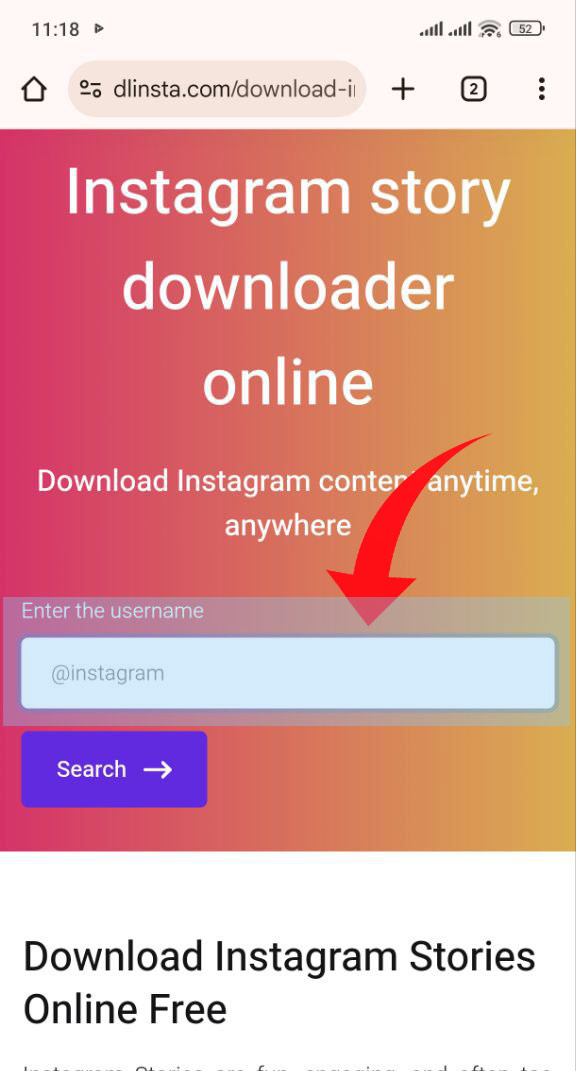

Instagram story downloader online

Save Any Instagram Story in HD — Free, No Login Required

Download Instagram Stories Online Free

Instagram Stories are fun, engaging, and often too good to lose after 24 hours. But since Instagram doesn’t provide a direct option to save them, you need a reliable tool. With dlinsta Story Downloader, you can easily save Stories from any public account by just entering the Instagram username. No apps, no logins, fast, simple, and free.

instagram story downloader online

Features of Our Instagram Story Downloader

  • Save any stories instantly with a single click. (One-Click Download)
  • Keep stories in their original high resolution without losing clarity. (HD Quality Support)
  • Download clean stories without distracting logos or marks. (No Watermarks)
  • Grab as many stories as you want, anytime. (Unlimited Downloads)
  • Works perfectly on desktop, tablet, and mobile browsers. (Cross-Platform Access)
  • No heavy apps, no waiting,just smooth performance.( Lightweight & Fast)
  • We don’t track your activity or store your data. (Secure & Private)
  • Simple design that’s easy to use worldwide.(Multi-Language Interface)
  • No hidden costs, no subscriptions, forever free. (Always Free)
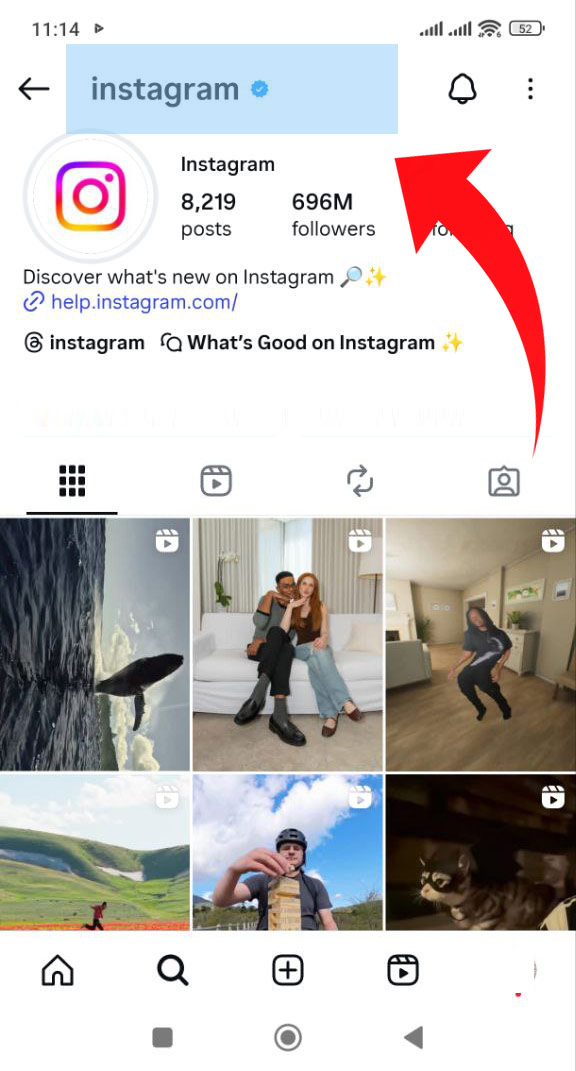
How to download instagram story by username

Want to save someone’s Instagram Story before it disappears? With DLInsta, you can easily download any public Story just by entering the username , no login or app required!

Steps to Download Instagram Story:

  1. Open Instagram: Find the profile whose Story you want to save.
  2. Copy the Username: Tap the profile name (for example: @username) and copy it.
  3. Go to DLInsta: Visit dlinsta.com and open the Instagram Story Downloader page.
  4. Paste the Username: Paste the copied username in the search box and click Download.
  5. View and Save Stories: dl insta(dlinsta) will show all active Stories from that account , choose the photo or video you want and tap Download to save it.

How to use instagram online story downloader

Step 1
Tap Copy Link option
Tap the profile name (for example: @username)and copy it.
Step 2
Link copied confirmation
Paste the copied username in the search box and click Download.

How to download instagram story on pc

Want to save Instagram Stories directly from your computer? With DLInsta, you can easily download any public Story right from your browser , no extensions, no login needed.

Steps to Download Instagram Story on PC:

  1. Open Instagram on your computer and go to the profile whose Stories you want to download.
  2. Copy the username (for example: @username) , you can remove the “@” if you want.
  3. Go to DLInsta.com and open the instagram online story downloader page.
  4. Paste the username in the search box and click Download.
  5. View and save the Stories you want directly to your PC ,both images and videos.

Frequently Asked Questions

  • Do I need the Story link or just the username?

    You only need to enter the Instagram username. dlinsta will automatically fetch the available public Stories for you.

  • Can I view Instagram Stories anonymously with dlinsta?
  • How long are Stories available to download?
  • Is there a limit to how many Stories I can download at once?
  • Will the downloaded Stories lose quality?
  • Is it safe to enter Instagram usernames on dlinsta?
Go To Top