Spot it, love it, copy it
First, open Instagram, choose the Reel you love, tap "Share," and select "Copy Link."


Welcome to dlinsta, a trusted platform designed to simplify the way you save Instagram content. Our service allows you to securely download Reels, Stories, and captions with just a single click. Fast, reliable, and free to use, dlinsta ensures that every file you save retains its original quality across all devices. No additional software, no account required, simply copy the link, paste it into our tool, and download instantly. With a focus on privacy, efficiency, and user-friendly design, dlinsta provides a professional solution for preserving the Instagram content that matters to you.
Instagram does not provide a built-in option to save Reels, Stories, or captions for offline use. Dlinsta fills this gap by offering a professional and secure solution to download Instagram content quickly and efficiently. With dlinsta, you can save Reels, Stories, and captions in their original quality, no apps to install, no accounts to create. Simply copy the link, paste it into the search bar, and download instantly. Our platform is built around three core principles: speed, privacy, and reliability. We never request personal data, and your downloads remain completely anonymous. Optimized for seamless performance on any device, dlinsta delivers consistent results whether you are browsing on desktop, tablet, or mobile. dlinsta is more than just a downloader, it is a professional tool designed to preserve the Instagram moments that matter most, with the quality and trust you expect.
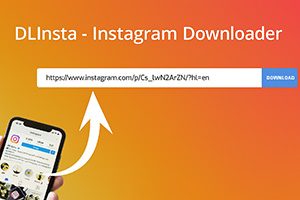
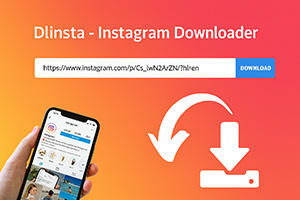
These tools make downloading from Instagram quick and easy. No app, no login needed.
Just follow these 3 simple steps: copy, paste, and download.
First, open Instagram, choose the Reel you love, tap "Share," and select "Copy Link."
Second, visit the dlinsta.com website and paste the copied link into the download box.
Third, click "Download," and voilà! Your Reel is now saved to your device quickly, free, and forever!

Quick answer: Yes—but only for a limited time. Instagram lets you see the accounts that viewed a Story for up to 48 hours after that original Story ...

: Open the Instagram chat, tap the person’s name at the top, open Privacy & safety, choose Disappearing messages, and set it to Off. If your app...
Instagram does not provide a built-in list or recovery screen for messages another person has unsent. After a message is unsent, it is removed from th...